

Other icons
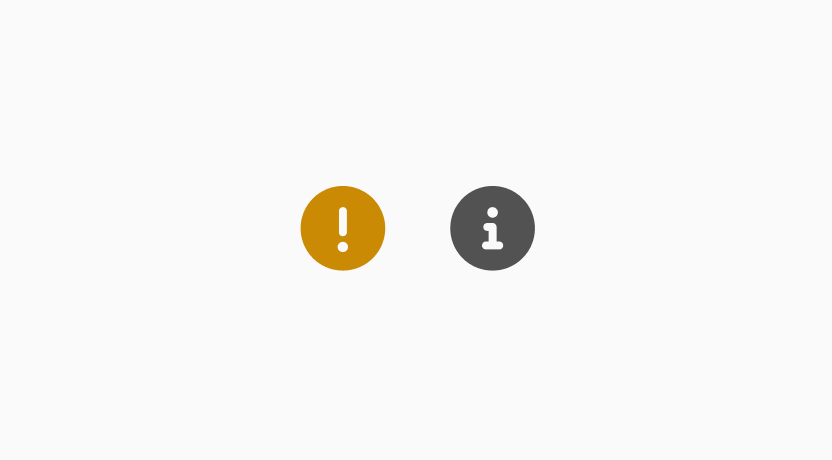
It is ideal for providing quick, non-intrusive insights helping users interpret information at a glance without disrupting their workflow or taking up extra space. Always include a tooltip or label to provide additional context and ensure clarity.
Contents
When to use and don't use
| ✅ When to use | 🚫 Don't use it when |
|---|---|
| Show the current status of a task | The message is critical or blocks the user - use banner instead |
| Offer additional context | |
| Help users interpret data in table/ list |
Info icon
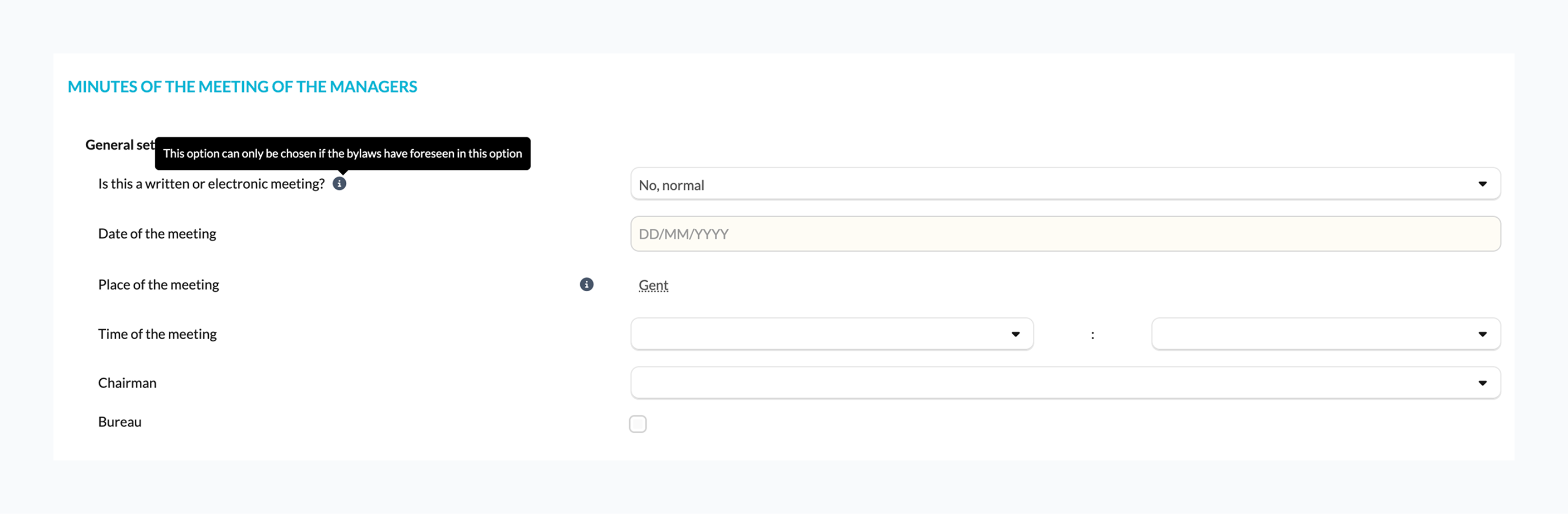
To provide users with helpful, non-critical contextual information. They are especially useful for clarifying terminology, explaining underlying logic, and providing insight.
Use cases
- Clarifying terminology
- Explaining underlying logic
- Adding context without demanding action
- Providing guidelines
Caution icon
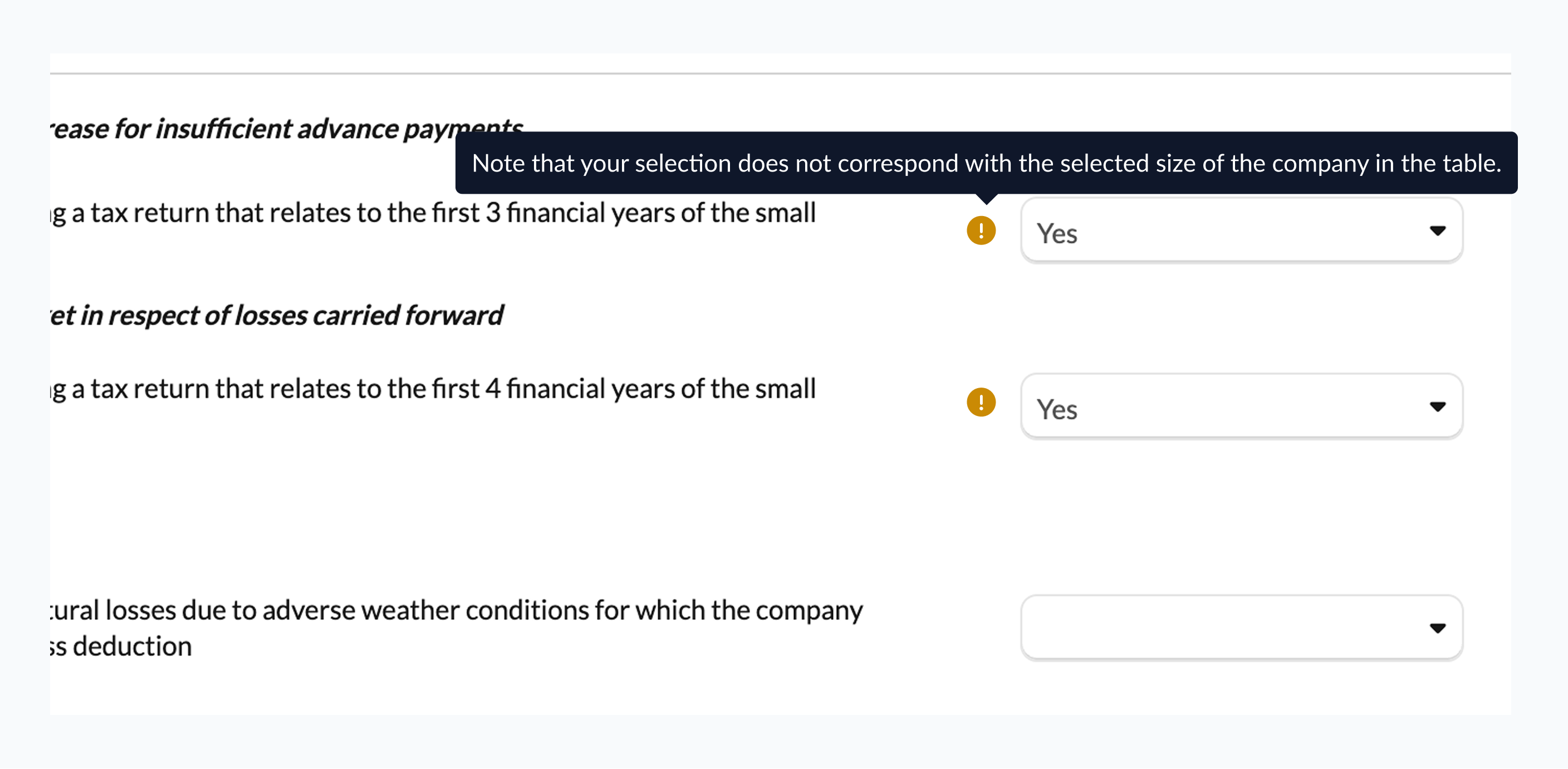
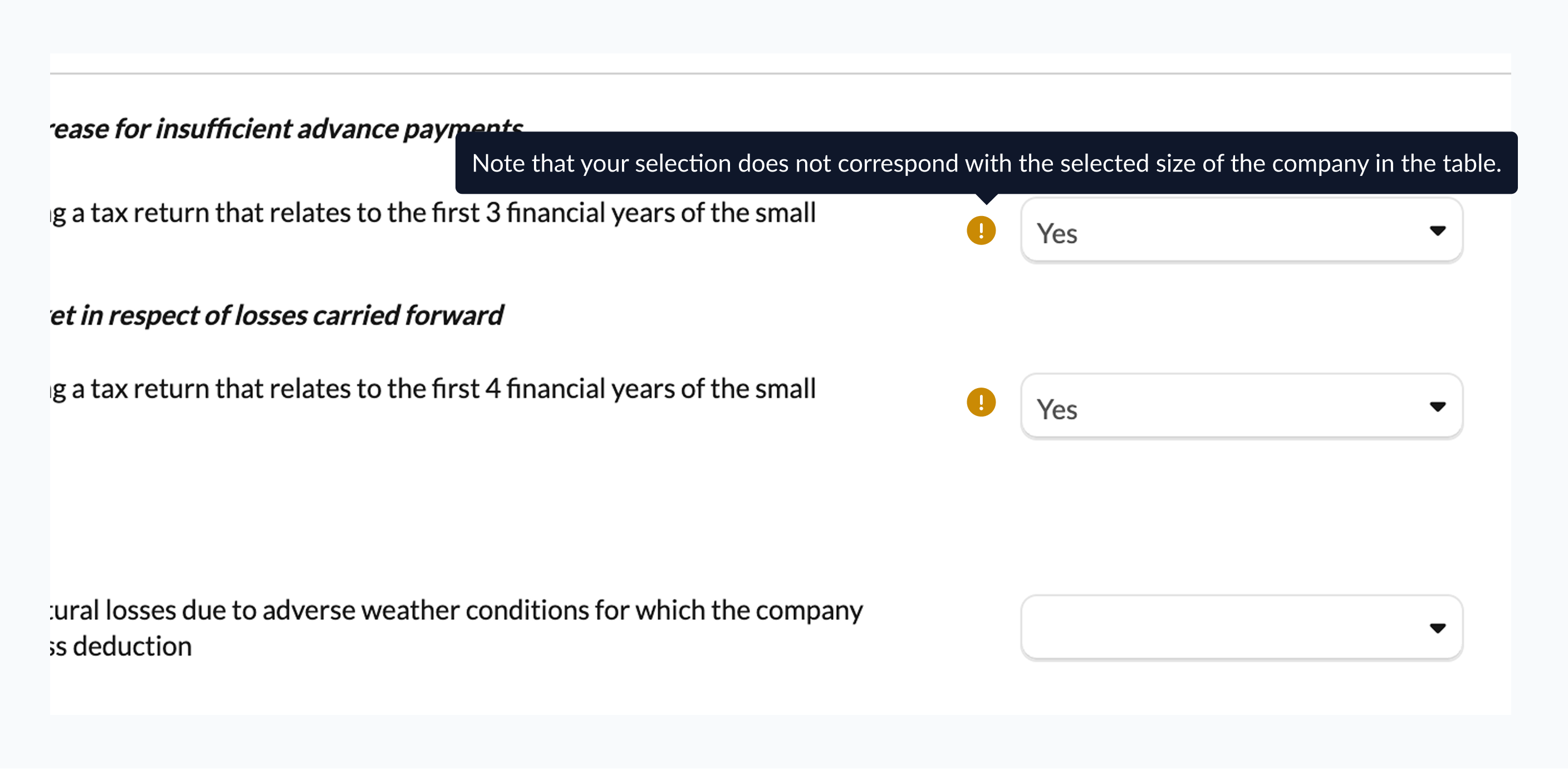
To alert users that an action might be needed but not impacting reconciliation status. Always include a label or tooltip to clearly explain the the potential issues and guide users toward resolving it.
Use cases
- A field is missing optional information that could improve results
- A non-critical discrepancy detected in data, e.g., a small mismatch that does not block reconciliation
- User-entered data may require review, but it does not prevent processing
- Actions that are recommended but not mandatory to maintain best practices
Warning icon (Discontinued)
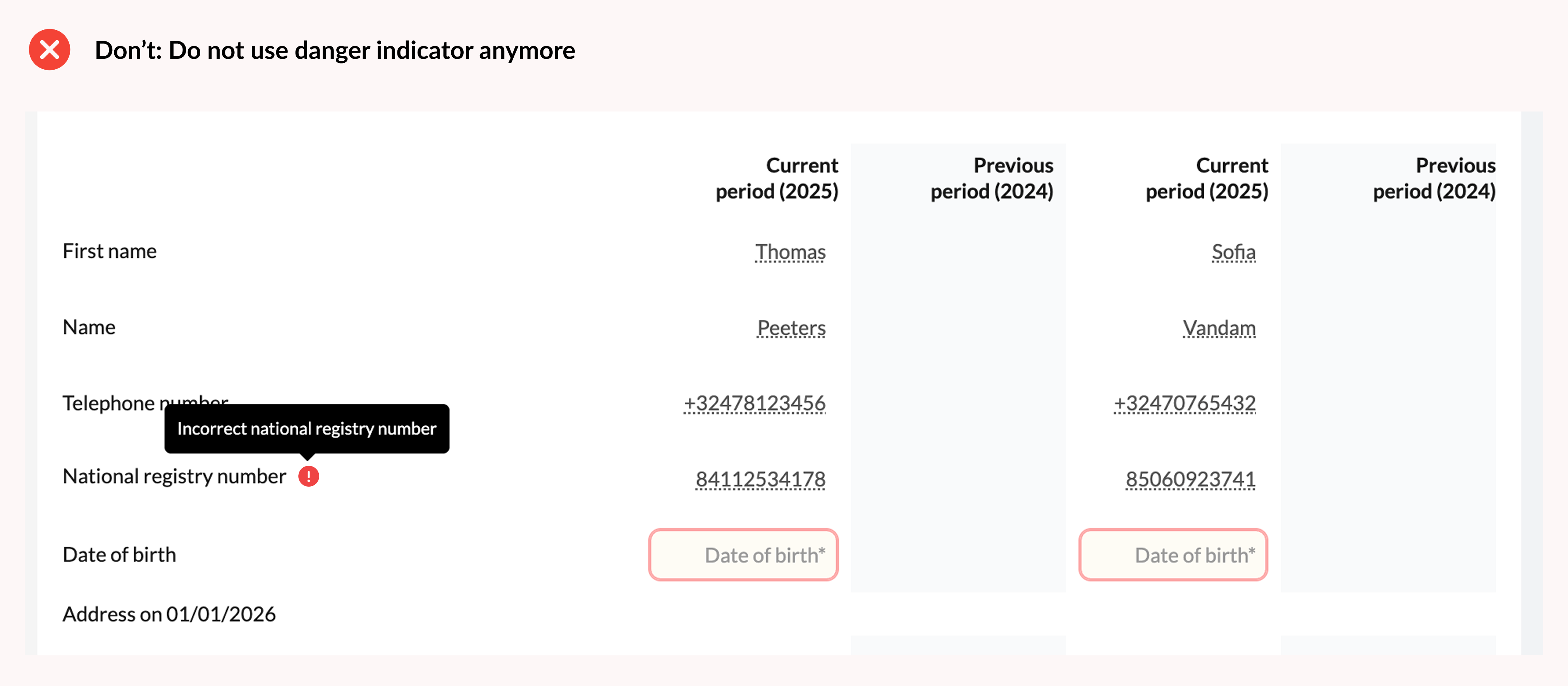
Please do not use this icon anymoreThe warning icon, previously used for general alerts, has been retired in the latest update. It was discontinued because users found it confusing, as it shared the same color and shape as the unreconciled icon.
Updated guidelines
- Use the Caution icon when the user might need to take action, but the issue does not affect the reconciled status.
- Use the Unreconciled iconicon only when there is a problem that needs immediate action and it affects the reconciled status.
Updated 11 months ago