

Dataflow: Rollforward logic over previous-year results
Intent
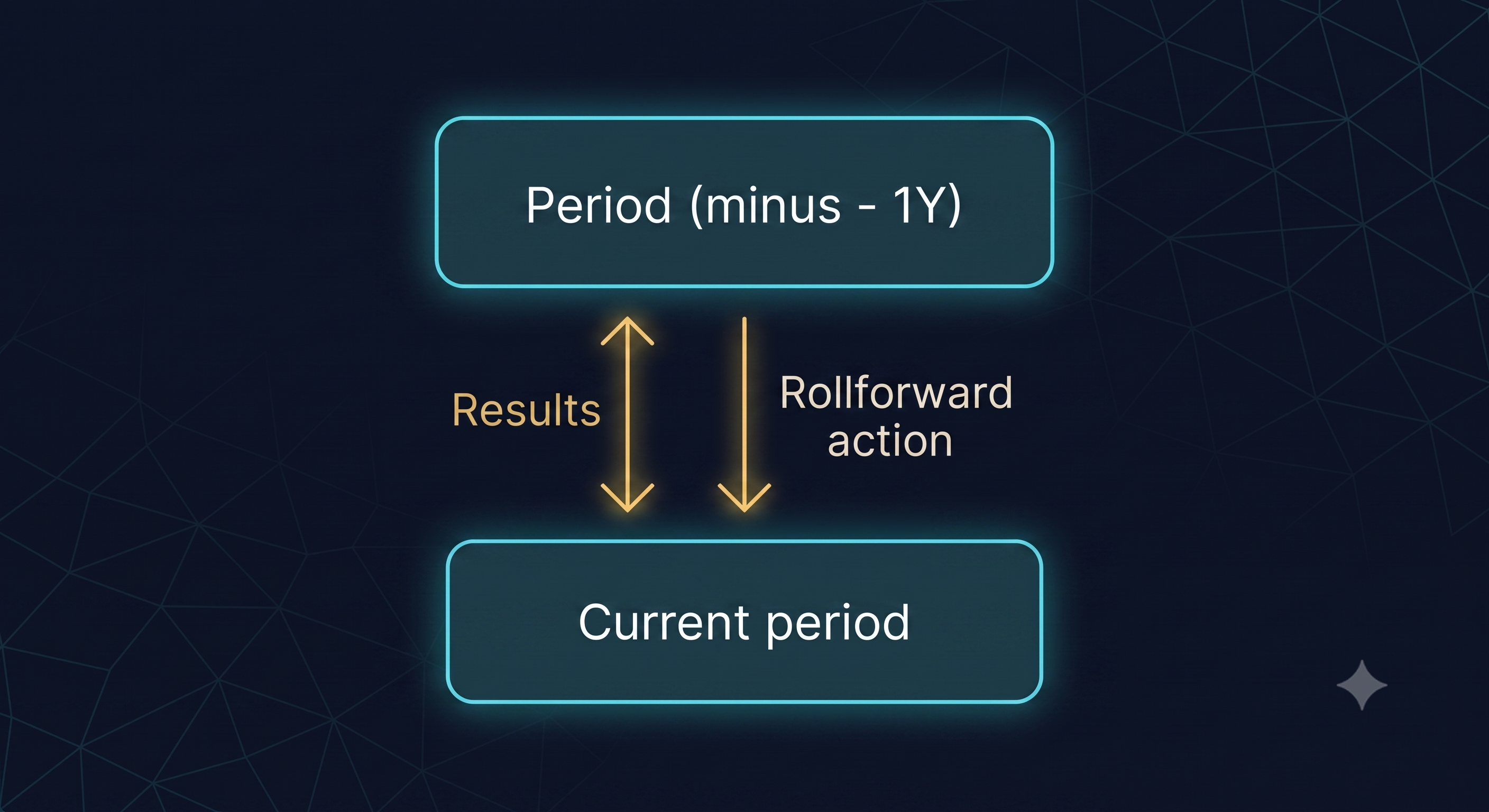
Rollforward brings values from a previous period (usually the previous year) into the current period (in a database variable) by copying them forward in a predefined way. This helps avoid issues like circular dependencies (where templates depend on each other’s results, creating a loop that blocks rendering).
Problem
Silverfin treats cross-period references via results (within the same template) as circular. Otherwise, the system could end up in an endless loop of references (current period → period -1 → period -2 → period -3 → …).
Solution
Use a rollforward action to explicitly copy values from the previous period into the current period.
More details: Rollforward Documentation
Structure
Examples
Templates that need both current-period and previous-period values
- First period: only data in the current year will be available/completed
- Subsequent periods: values can be rolled forward into the next period’s “previous year” inputs, making comparisons straightforward.
How to implement
- Define which fields should be copied from the previous period.
- Configure a rollforward action that copies those fields into the current period.
- Clearly communicate when rollforward should be run (e.g., before users start entering current-period data).
Pros and cons
Pros
- Prevents circular reference issues
- Defaults can be taken into account in rollforward logic
- Easy to understand and control what data is copied
Cons
- One-time copy — doesn’t auto-update if the previous period changes
- Risk of overwriting user input if rollforward was done too late
- Requires clear communication of the end users or teams on how and when to use it
Updated 4 months ago